ImageGear Medical
Display, create, and edit medical image files in DICOM with our medical imaging toolkit.
Get right to the code.

ImageGear Medical is now available only to existing customers.
ImageGear Medical remains available and fully supported for contract renewals, but will not be offered to new customers. Please visit our ImageGear product line if you would like to learn more about our latest technologies.
Enhance your application’s DICOM capabilities with ImageGear Medical.
ImageGear Medical is a DICOM SDK that empowers you to create cutting-edge medical imaging solutions with unparalleled speed and ease across Windows and Linux. It facilitates the rapid development of powerful DICOM-enabled applications to display, create, and edit medical image files in DICOM and other important formats.
ImageGear Medical Features
Comprehensive Image Control
ImageGear Medical is a DICOM SDK that provides a comprehensive level of control over DICOM files including support for DICOM waveforms, metadata handling, presentation state DICOM, overlays, and complete grayscale LUT control.
Fast & Complete Imaging
Tap the industry’s fastest code and well-structured APIs to integrate and manage functions for processing both still image and video files, scanning, compression, annotation, printing, and more.

Over 100 File Formats Supported
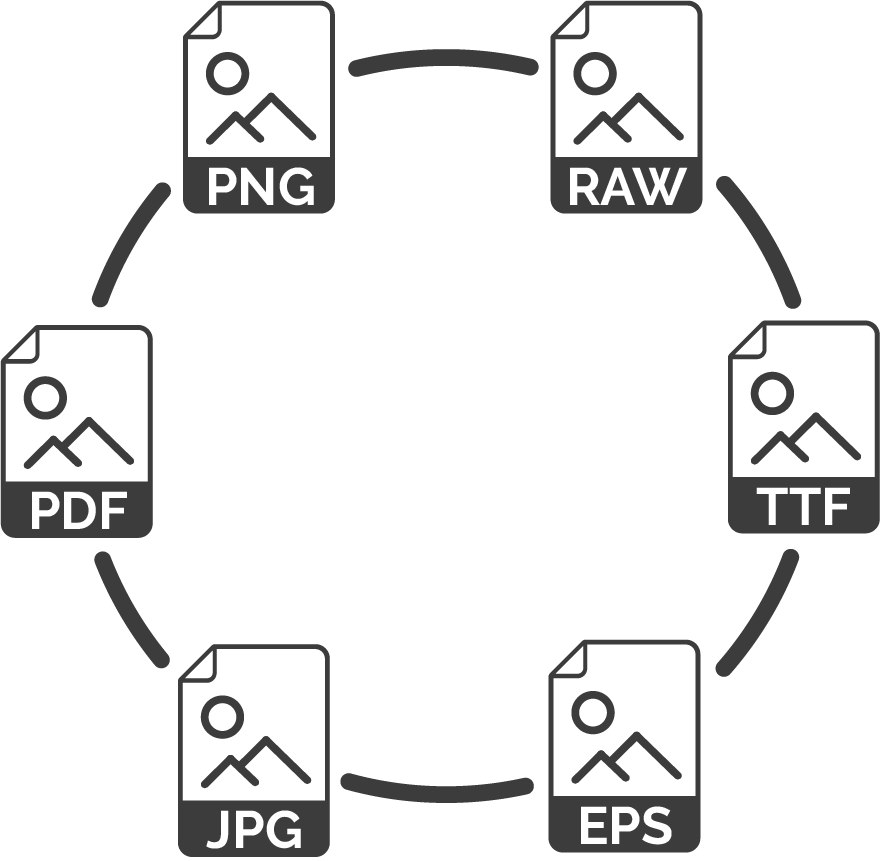
This DICOM Medical SDK supports over 100 medical image and document formats, including raster and vector images, DICOM, JPEG, JPEG 2000, PDF, TIFF, HD Photo, Camera RAW, and more.
ImageGear Medical Development Environments
See Developer Resources for details.
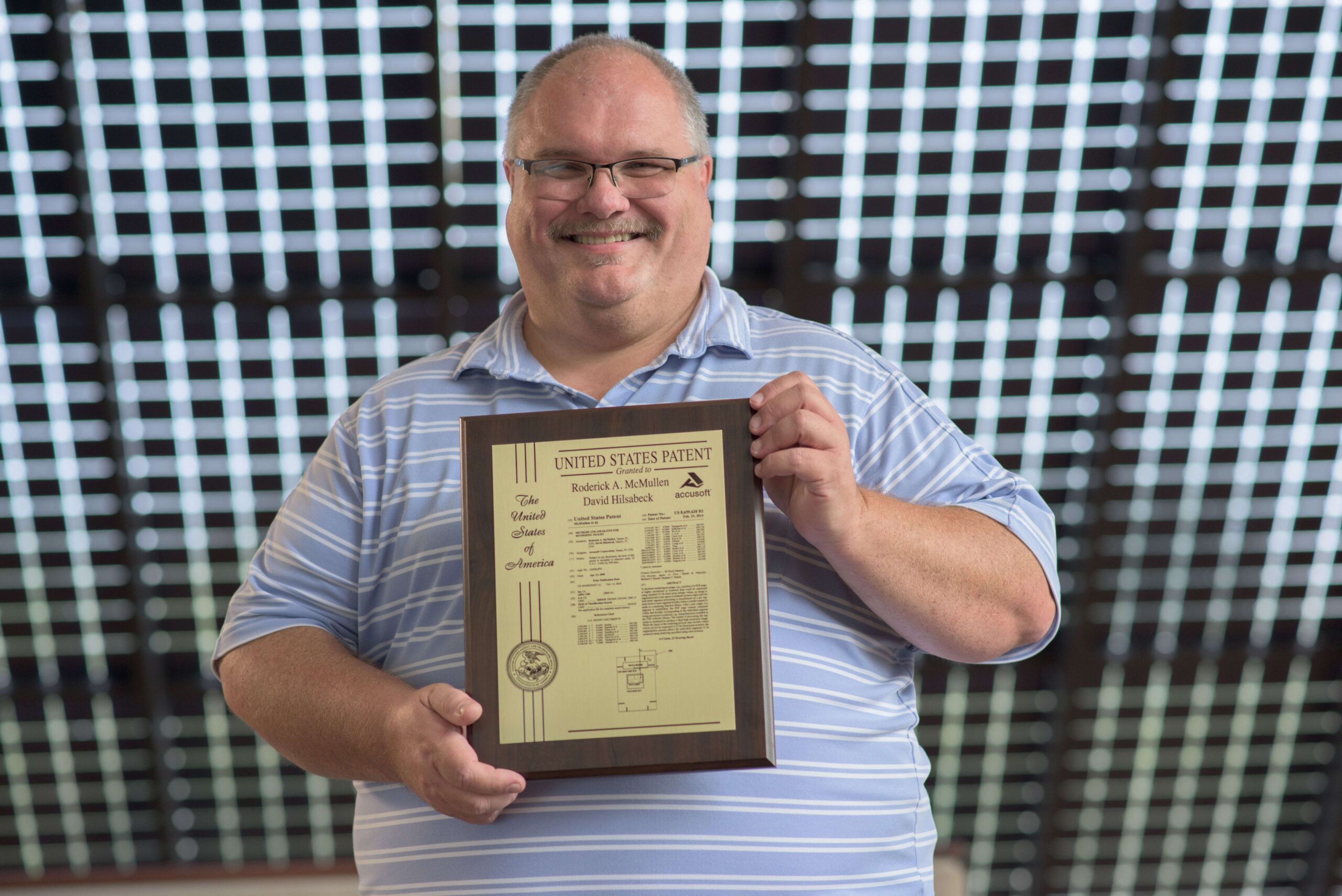
David Hilsabeck started with TMS, Inc. in 1989 after receiving a Bachelor’s of Science in Computer Science from Cameron University and spending two years in the defense industry. Within TMS, David worked on the company’s text retrieval and imaging products, such as Prizm Viewer. In 2004, TMS was acquired by Pegasus Imaging, and the two company’s product lines were merged. Since that time and through the transition from Pegasus Imaging to Accusoft, David has worked with and contributed to Accusoft’s imaging SDK product line. Outside work, David enjoys building large pyrotechnic devices, and is an active member of the Florida Pyrotechnic Arts Guild.
Innovative companies trust Accusoft





ImageGear Medical Features
The full list of features for ImageGear Medical is updated regularly as they are added and released.
DICOM
Users are empowered to create and view DICOM files and utilize robust annotation controls for overlay creation. It supports DICOM Cine loop, waveforms, and presentation state DICOM, offers options to easily control all facets of image display and printing, and uses grayscale LUT to enhance X-rays, scans, and more. It includes integrated pseudo-coloring which allows for mapping high level grayscale LUT to 24-bit RGB LUT for display on non-high gray displays.
APIs
Features a high-level product API allowing the details of the DICOM standard to be abstracted, while still allowing complete control over the file content. Includes a simplified API for working with the DICOM data sets, while providing complete control over the dataset values.

File Formats & Compression
ImageGear Medical supports over 100 medical image and document formats including raster and vector images, DICOM, JPEG, JPEG 2000, PDF, TIFF, HD Photo, Camera RAW, and more. Powerful control parameters allow you to control the creation of your file. Abstract the details of each DICOM file with an easy to use high-level API.
It easily works with a wide variety of supported file formats across many bit depths in your applications and creates batch conversion processes and eliminates compatibility issues before they arise. It converts an image from one format to another with ease and converts bitmap images to scalable, editable images in seconds.
DLL Tools
ImageGear Medical features a call-back mechanism for adding your own algorithms and allows access to each line of an image during loading and saving. The replacement of IO functions (read, write, seek, etc.) with your own functions, if desired, is supported.
The product has the ability to load images from an offset location within a file, save images to files at specified offsets (data binding), decode images using various compression algorithms without specific format headers, and import/export images from/to various types of memory formats.
- Reads from memory, path, URL, FTP, port, and more
- Reads any sub-region of an image
- Grants access to all file metadata while loading
Extensive PDF/PS Support
ImageGear Medical supports Adobe® PDF v1.7 and PS v3, and offers industry-leading vector and 3D PDF/PS support. Users can read, write, display, and edit PDF content within DICOM files. It also offers comprehensive PDF API for native PDF annotations, searchable text, and more. Analyze for PDF/A and PDF/X compliance.
Raster Formats
- Easily converts to and from various raster image formats such as TIFF, JPEG, and PDF
- Quickly converts various images into one standard format for consistent viewing
- Build applications to convert to and from bitmap images with various bit depths, palettes, and compression and encoding options
Vector Formats
It includes enhanced reading, writing, and rendering of vector images and reads and writes DWG and DXF file formats for release version 16 of AutoCAD including AutoCAD 2006.
- Creates apps that render 3D wireframe objects
- Creates apps that render solid 3D objects with adjustable lighting for shading purposes
- Supports reading and writing SVG file format
Document Image Processing & Editing
It allows users to work with advanced filtering including sharpen, smooth, and convolution. It also supports image correction such as despeckle and deskew, image maintenance such as crop, resize, thumbnail creation, encryption, and decryption, as well as image transformation such as rotate.
Image Cleanup
- Hole Punch Removal
- Line Removal
- Dotted Line Removal
- Clean Borders
- Negate
- Auto-Crop
- Image Dilation
- Erosion
- and more
Mathematical Morphology
- Edge Detection
- Noise Removal
- Image Enhancement
- Image Segmentation
- Opening
- Closing
- and more

Photo and Color Image Processing & Editing
Image
- Image maintenance, such as crop, resize, thumbnail creation, encryption, and decryption
- Image transformation such as rotate
- Advanced image processing methods such as adjust brightness and contrast and reduce or promote bit depth
- Advanced filtering including sharpen, smooth, and convolution
- Region of interest support permits specification of a shape, such as ellipse, polygon, freehand, or a 1-bit mask for identifying pixels to include/exclude from image processing algorithms
Color
- ICC color profile support allows for accurate color display
- Pantone channels support for true image representation
- Image analysis provides a histogram-generating function while another function provides a count of different colors in the specified rectangle of an image
Printing
ImageGear Medical overcomes several inherent print driver limitations ensuring the highest possible print quality. It offers capabilities including sizing, color correction, and single or multi-page printing.
Available for:
- .NET
- WinForms
- ASP.NET
- WPF
- DLL (.NET and C/C++ editions)
Scanning
TWAIN
Easily working with TWAIN v1.6, v1.7, v1.8, and v1.9, ImageGear programmatically controls the display of the TWAIN UI. It quickly defines the TWAIN transfer mode and easily interfaces with the Automatic Document Feeder (ADF) for multi-page scanning capabilities. It includes high-level functions that provide quick implementation of superior TWAIN support without a steep learning curve.
- Controls all scanner capabilities within your program
- Interfaces with TWAIN data source listing
- Indicates the brightness and contrast during acquisition
- Defines the resolution for acquisition
- Offers a single call function to initiate the scanning process
- Uses events to control the scanning process
ISIS Scanning
ImageGear provides complete control over all high-speed ISIS®-driven scanners supported by EMC Corporation’s PixTools®. The product captures data from paper and electronic documents and delivers it into enterprise applications. In addition, it manages scanner features such as display, file writing, and printing.
Image Viewing & Display
Available in .NET (WinForms, WPF, ASP.NET) and Windows DLL ImageGear Toolkits, it has integrated controls for image scrolling and zooming. Shortening development efforts by using GUI functions that simplify the implementation of several sophisticated GUI features, the product includes GUI features such as common dialogs for image loading, saving, processing, and more.
A wide array of layout options and high-speed display offer complete control over how your application displays images like:
- Apply anti-aliasing to smooth the image display
- Multi-planar reconstruction display controls to assemble and manipulate MPR Display
Annotation
Available for .NET / WinForms / ASP.NET / WPF, and Windows DLL (.NET and C and C++ editions), it offers easy to implement UI elements with XML-based annotation for images and medical data. Providing comprehensive annotation support including adding, editing, burning-In, and deleting.
ImageGear enables annotation on images and documents such as lines, arrows, highlighting, sticky notes, and much more. The feature provides the ability to annotate images and documents, including “sticky” note attachments, highlights, arrows, markers, free-form text, and other indicators. It also includes redaction capabilities for censoring sensitive documents. Annotations can be merged with an image or kept in a separate file and overlaid on the image at display time. In this way, the original image is never directly altered.

.NET File Formats
For .NET developers (including ASP.NET and WPF)
Supported Image Formats
The chart below lists the supported file formats in our DLL ImageGear SDKs with additional information such as read/write capabilities, bit depths, and multi-page ability.

DLL Image File Formats
For developers building DLL applications, we offer support for 32-bit and 64-bit environments.
Supported 32-bit DLL Image Formats
The chart below lists the supported file formats in our DLL ImageGear SDKs with additional information such as read/write capabilities, bit depths, and multi-page ability.
64-bit – Supported 64-bit DLL Image Formats
The chart below lists the supported file formats in our 64-bit DLL ImageGear SDKs with additional information such as read/write capabilities, bit depths, and multi-page ability.
Digital Camera Raw Formats
If you are looking to work with a wide array of digital camera files, browse the list of supported digital camera raw formats for ImageGear Medical .NET.
This chart lists the Camera RAW file formats supported within ImageGear Medical .NET.
This list is not all-inclusive. It is a list of the makes and models of cameras known to be supported.
Please test your own images by evaluating the full-featured trial SDK.
Camera manufacturers do not publish specifications on their raw formats. ImageGear attempts to reconstruct color images correctly where it is possible. For some cameras, however, not all of the color balance data is available. The application may need to apply additional processing to such images. This table lists the level of support that ImageGear provides for particular cameras.

ImageGear Medical C/C++
This chart lists the Camera RAW file formats supported within ImageGear Medical C/C++.
This list is not all-inclusive. It is a list of the makes and models of cameras known to be supported.
Please test your own images by evaluating the full-featured trial SDK.
Camera manufacturers do not publish specifications on their raw formats. ImageGear attempts to reconstruct color images correctly where it is possible. For some cameras, however, not all of the color balance data is available. The application may need to apply additional processing to such images. This table lists the level of support that ImageGear provides for particular cameras.
ImageGear Medical Development Environments
- Available DICOM Support:
- ImageGear for .NET – Fully-managed .NET code for ASP .NET, WPF, and WinForms development
- ImageGear C/C++ – speed-optimized native code available in Windows DLL and Linux versions
- .NET
- 32-bit and 64-bit Windows 8.1, 10; Windows Server 2012 (and R2), 2016, and 2019
- Visual Studio 2015, 2017, and 2019
- .NET Framework 2.0 or later (some components require higher versions – see the help files for details)
- Samples for C# and VB.NET
- NuGet packages available (Accusoft.ImageGear.All)
- Windows DLL
- 32-bit and 64-bit Windows 8.1, 10; Windows Server 2012 (and R2), 2016, and 2019
- Visual Studio 2015, 2017, and 2019
- .NET Framework 3.0 or later
- Samples for C and C++
- Linux
- 64-bit Linux: Ubuntu, CentOS, Red Hat
- Samples for C and C++